Artificial intelligence is fundamentally changing how creators think, design, and produce visual content. What once required large teams, long timelines, and expensive tools can now emerge from a rough sketch or a casually clicked photo. Modern generative AI (ChatGPT, Gork, Leonardo.ai ..etc) does not replace creativity; it amplifies it. Makers can now focus on ideas, composition, and intent, while AI handles execution, iteration, and scale.
For 20+ years, I’ve been in the trenches of technology—coding, leading, and building—helping startups and enterprises convert technical ambition into real business impact.
Creative AI is transforming content creation into a collaboration between human imagination and machine intelligence. At the center of this transformation lies diffusion-based generative models with structural conditioning. This tech concept, explains the preferred, production-grade way to convert sketches and photos into stylish images and 5–10 second videos using AI.


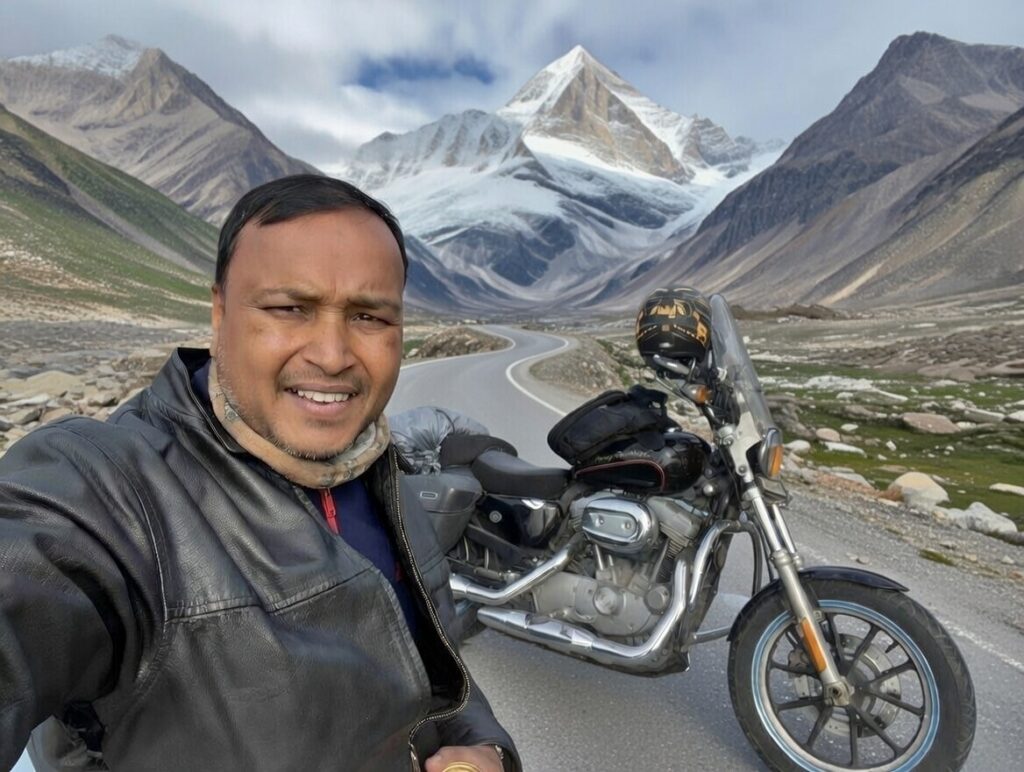
Creative AI is powered by diffusion models enhanced with structural conditioning
For image and short video generation from sketches or rough photos, diffusion models combined with ControlNet outperform traditional computer vision fine-tuning. This approach preserves structure while allowing creative freedom.
The most widely adopted stack is:
- Stable Diffusion for image generation
- ControlNet for structural guidance
- AnimateDiff or video diffusion models for short video synthesis
This setup balances quality, flexibility, and feasibility on consumer-grade GPUs.
How This Creative AI Works
Structure Preservation Meets Style Freedom
Sketches and rough photos provide strong structure but limited detail. ControlNet locks composition, pose, and outlines, while diffusion models generate high-quality textures, lighting, and artistic styles.
This separation of structure and appearance enables:
- Accurate pose and layout retention
- Aggressive stylistic transformations
- Consistent results across frames for short videos
ControlNet was designed precisely for this class of problems.
Image Generation Pipeline
Input Sources
- Hand-drawn or digitally traced sketches
- Clicked photos from mobile or DSLR cameras
These inputs act as structural references, not final visuals.
Control Signals
Use one or two ControlNet signals for best results:
- Scribble: best for rough sketches
- Canny: ideal for photo edge detection
- Depth or Normal maps: improve realism and spatial consistency
Over-conditioning reduces creative flexibility, so minimal signals work best.
Base Model Selection
- SDXL for high-quality outputs and better prompt understanding
- Stable Diffusion 1.5 for faster inference and lower VRAM usage
SDXL is preferred for professional and commercial outputs.
Styling and Customization
- Use prompt engineering for artistic styles such as cinematic, anime, oil painting, or watercolor
- Add LoRA adapters for brand-specific or recurring style consistency
This stage defines the visual identity of the output.
Output
The pipeline produces high-resolution stylised images that can be upscaled or further edited.


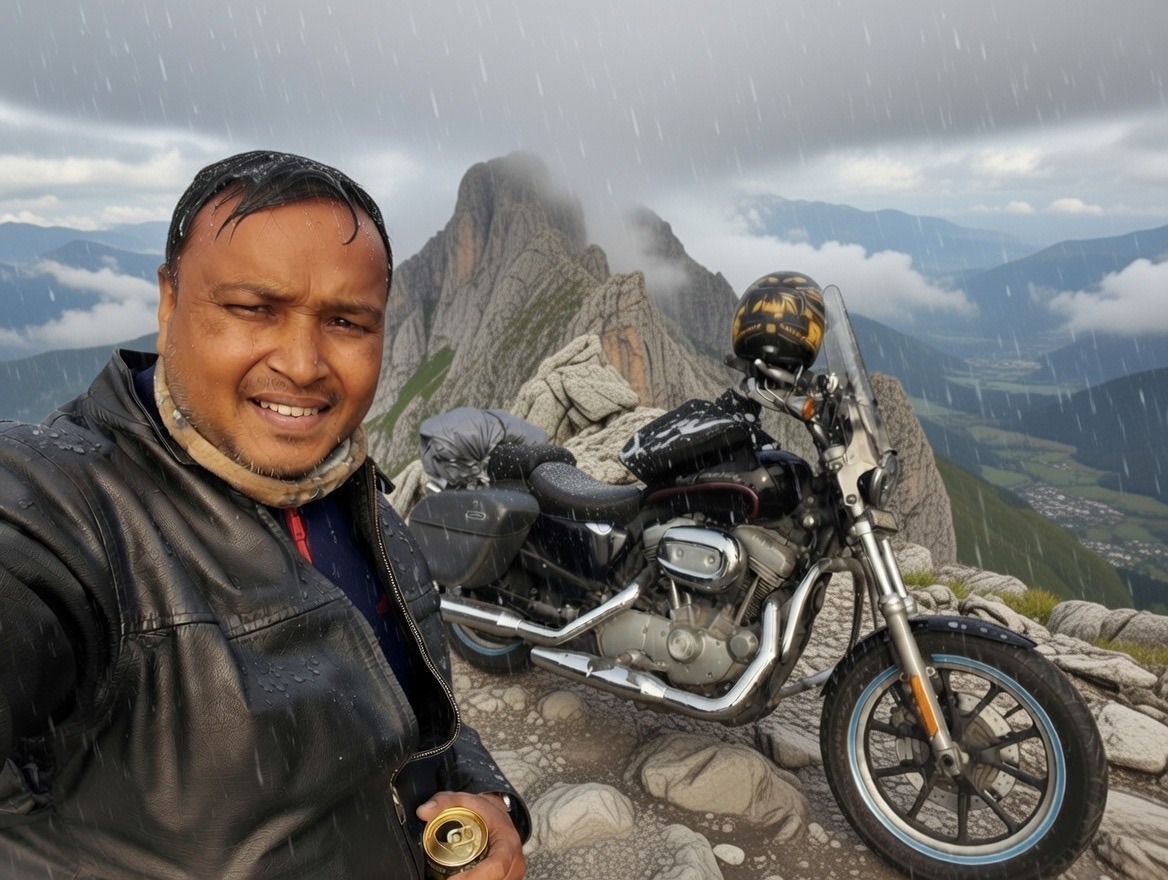
Video Generation Pipeline (5–10 Seconds)
Option 1: AnimateDiff with ControlNet
This is the most stable and widely used solution today. Sketch or photo input flows through ControlNet for structure preservation, then AnimateDiff introduces temporal motion to generate short videos at 12–24 frames per second.
This approach delivers:
- Strong structural fidelity
- Smooth and controllable motion
- Consistent style across frames
It is ideal for stylized motion graphics, ads, and short cinematic clips.
Option 2: Stable Video Diffusion
Stable Video Diffusion and its extended variants focus on realism and cinematic motion.
They work best for:
- Photo-to-video transformations
- Natural camera movement and lighting
However, they require more compute and handle rough sketches less effectively than AnimateDiff.
Tooling Stack
Local and On-Premise Tools
- Automatic1111 or ComfyUI for visual workflows
- ControlNet nodes for structural guidance
- AnimateDiff nodes for video motion
ComfyUI is preferred for complex pipelines and reproducibility.
Programmatic and Product-Grade Stacks
- Hugging Face Diffusers for Python-based pipelines
- Custom PyTorch workflows for fine control
- REST APIs for app and SaaS integration
This stack enables production deployment and automation.
Decision Summary
| Requirement | Best Choice |
|---|---|
| Sketch to stylish image | SDXL with ControlNet Scribble |
| Photo to stylized image | SDXL with Canny or Depth |
| Sketch to short video | AnimateDiff with ControlNet |
| Brand or art style consistency | LoRA |
| Speed and visual control | ComfyUI |
My Tech Advice: AI is not redefining creativity by replacing artists; it is reshaping how creators work. Makers now iterate faster, explore more ideas, and translate imagination into visuals with unprecedented speed. The creative process shifts from manual execution to conceptual direction, with AI acting as a force multiplier.
Ready to build your own AI tech ? Try the above tech concept, or contact me for a tech advice!
#AskDushyant
Note: The names and information mentioned are based on my personal experience; however, they do not represent any formal statement.
#TechConcept #TechAdvice #GenerativeAI #AIContentCreation #StableDiffusion #ControlNet #AnimateDiff #AIVideoGeneration #AIImageGeneration #CreativeAI #DiffusionModels #FutureOfCreativity


Leave a Reply